
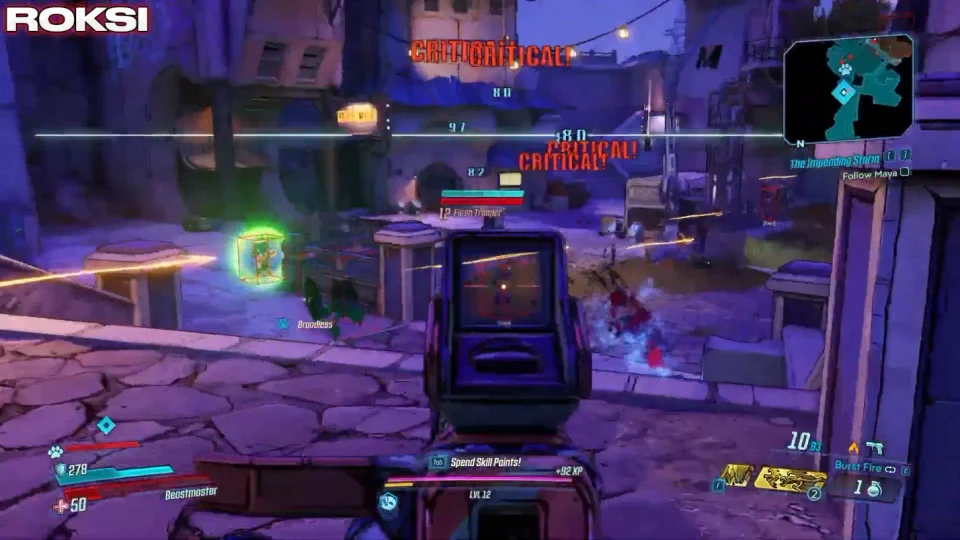
Aim Explained – Soft Aim Keys, FOV, and Targeting
Aim Explained: The ten Soft Aim Options on the listing — activation, bones, visibility, and distance — without undetected marketing.
Soft aim on this listing is not branded as “silent aim” or “magic bullet.” It is a group of ten named options that adjust how aim assistance selects and moves toward enemy bones when you hold or toggle Aim Key.
Aim Explained: activation and filters
Enable Soft Aim turns assistance on or off. Visible Check limits targets the overlay considers visible. Ignore Teammates / Allies keeps co-op partners off the target list.
Tuning reads
Pair Aim FOV with Draw FOV so you can see the selection cone. Aim Smooth and Bone Selection change feel, not damage formulas. Max Aim Distance stops engagement at range.
Visual aids
Draw Target Line shows where soft aim is pulling. It is a tuning aid, not extra penetration. Related: smooth and bone selection.